
Search Appleton Recent Arrests
Appleton Recent Arrests usually start with the city police records unit, then move to Outagamie County for jail and court details if the case kept going. That order matters because the city, county jail, and circuit court each hold a different piece of the record. If you know a name, a date, or a booking clue, you can move through the right office quickly. If you do not, the city still gives you a clean starting point. The pages below show where to look first, what each office can confirm, and how to ask for copies without wasting time.
Appleton Recent Arrests Quick Facts
Appleton Recent Arrests Sources
The Appleton Police Department at Appleton Police Department is the main city source for arrest records, mugshots, and booking records. The Records Unit handles those requests, and the department says requests can be made in person or by telephone during business hours. The address is 222 S. Walnut Street in Appleton. That gives you a direct place to start if the arrest happened in city limits and you want the first public record tied to it.
The city page matters because it tells you which office holds the record and how to reach it. Appleton is not a place where you need to guess at the first stop. The police department records unit is the best city-side source for the original report or booking note. If the event is recent, it is often the fastest way to confirm the basics before you move to county custody or court records.
The police department page at Appleton Police Department also gives the city-side details in one place, which makes the image below a good match for the office that handles the record trail.
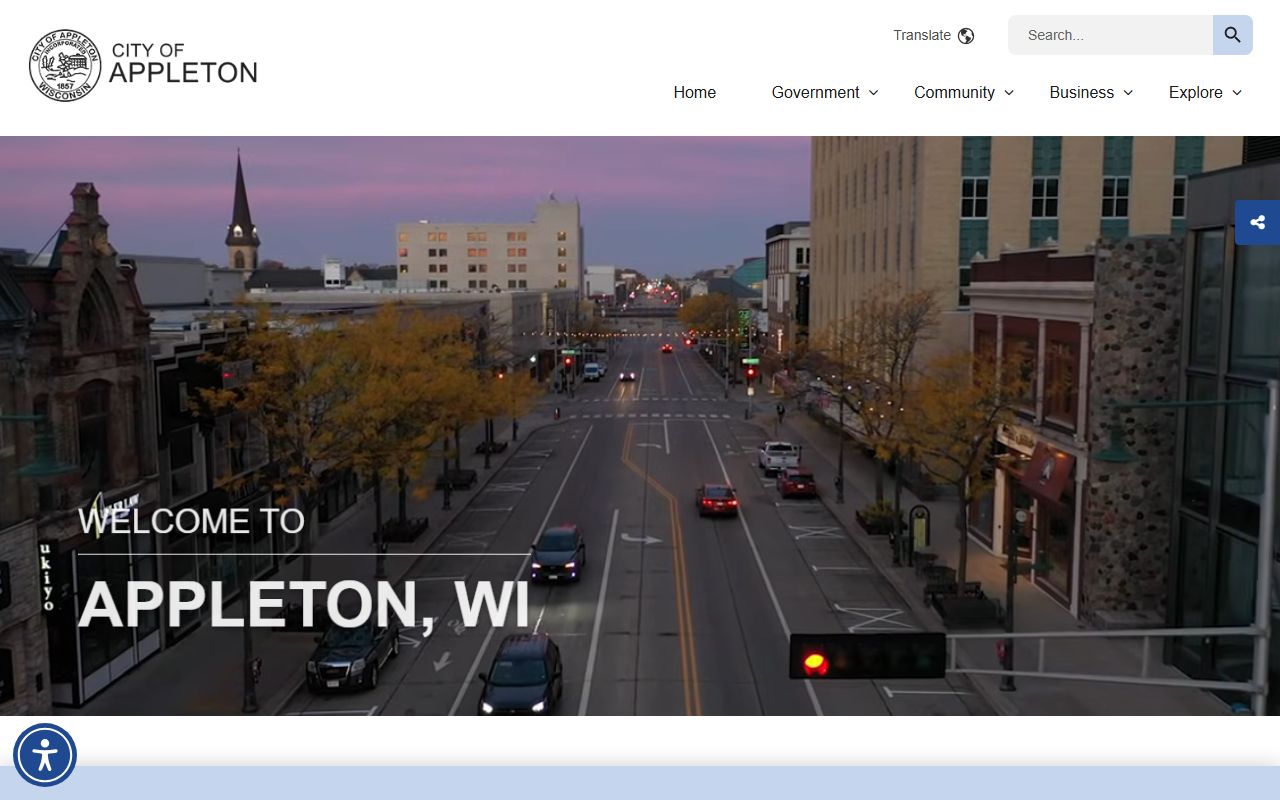
That office is the best first call when you want the city version of a recent arrest search.
Appleton sits inside the Outagamie County law enforcement system, so a city search and a county search often work together. The city gets you the local report. The county gets you the broader custody and court trail. That split is normal and useful once you know how to use it.
Appleton Recent Arrests and County Records
The Outagamie County Sheriff's Office at Outagamie County Sheriff's Office is the county source for arrest records and jail data tied to Appleton. The office is at 320 S. Walnut Street in Appleton and the phone number is listed on the county site. The county maintains arrest records, a current inmate list, a media report, and a 24-hour booking report. That makes it a stronger follow-up when the Appleton police record is only the first part of the story.
The county jail system is large, with 556 beds, and the inmate lookup shows the name, inmate ID, gender, race, and location. The booking report adds the arresting agency, offense description, and arrest type. That is a useful mix when you are trying to sort out a new arrest from a custody note. The data is plain and practical. It tells you where the person is, who brought them in, and what the charge line looks like.
The county portal at Outagamie County Sheriff's Office ties the jail and arrest record tools together, and the image below fits that broader county side of the search.
Use that county source when the city record points you to a live custody record or a booking summary.
Outagamie County also notes that the circuit court shares the same 320 S. Walnut Street address and can be reached at (920) 832-5131. That matters because the arrest trail can move from police to jail to court quickly. A city arrest may look simple at first, but the county record often carries the case forward.
Appleton Recent Arrests and Court Checks
The Outagamie County Circuit Court is the right place to check when a city arrest has already turned into a court case. The court uses CCAP access, and the address is also 320 S. Walnut Street in Appleton. If you have a case number or a name and a date, the court side can help you confirm the filing and the next steps. That makes the court useful after the police and jail layers are checked.
For a statewide cross-check, the Wisconsin Circuit Court Access site at WCCA can help you verify a court filing or see whether the arrest moved into a public case record. The Wisconsin DOJ Crime Information Bureau and Wisconsin Online Record Check System can also help you clean up name errors or compare the local result against a state record path. Those tools are support, not a substitute for the city and county offices.
The city police department page at Appleton Police Department is still the first stop for the report side, but the county court is often the place where the arrest becomes a public case. If you are tracking Appleton Recent Arrests over time, you often need both. One shows the start. The other shows the result.
Requesting Appleton Records
Appleton records requests work best when the ask is narrow. The police department says the Records Unit handles arrest records, mugshots, and booking records, and it accepts requests in person or by telephone during business hours. That means you can reach the right desk without a long loop. If you know the subject and the date range, say so. If you need just one document type, make that clear. A tight request is easier to process and more likely to come back clean.
The county side works the same way. Outagamie County arrest records, inmate data, and booking reports all serve different needs. A current inmate list can confirm custody. A booking report can show the agency and offense description. The court can confirm a case. When you search Appleton Recent Arrests, each office gives you a different piece of the same chain. The better you label the ask, the less time you spend sorting the result.
State records rules can help you frame the request. Wisconsin's open records law in Wis. Stat. 19.31 and the DOJ's Office of Open Government both explain the access side in plain language. The State Law Library records page is another solid backup when you want to understand request rights before you ask. Those sources help you ask well, but the city and county offices still hold the actual files.
Use these steps to keep the search clean:
- Start with the Appleton Police Department for the city report
- Move to Outagamie County for custody and booking details
- Check the circuit court if a case was filed
- Use WCCA and state tools as a backup check
Appleton Recent Arrests and State Backstops
Appleton Recent Arrests are easiest to follow when you do not skip layers. The city police page gives you the front-end record. The county sheriff gives you custody and booking detail. The circuit court gives you the public case trail. That flow is the main reason this search works well in Appleton. Each office is linked to the next step, and each one tells you something slightly different.
The county jail's 24-hour booking report is especially useful because it shows the arresting agency, the offense description, and the arrest type. That kind of detail can tell you whether the city record has already moved into county custody. If that happens, the jail record becomes more useful than the city report alone. The county's current inmate list then gives you the live status without delay.
The county portal at Outagamie County Sheriff's Office is the source that ties the whole county side together, and the county court page at the same address helps when the arrest becomes a filed case. The city page and county page together are the right pair for Appleton.
For a final backup, the Wisconsin DOC locator at DOC Offender Locator can help if the person later moves into state custody. It will not replace the local search, but it keeps the trail from stopping too early.
Note: Appleton is a city search, but the record path quickly shifts to Outagamie County, so county jail and court pages matter as much as the city police records unit.